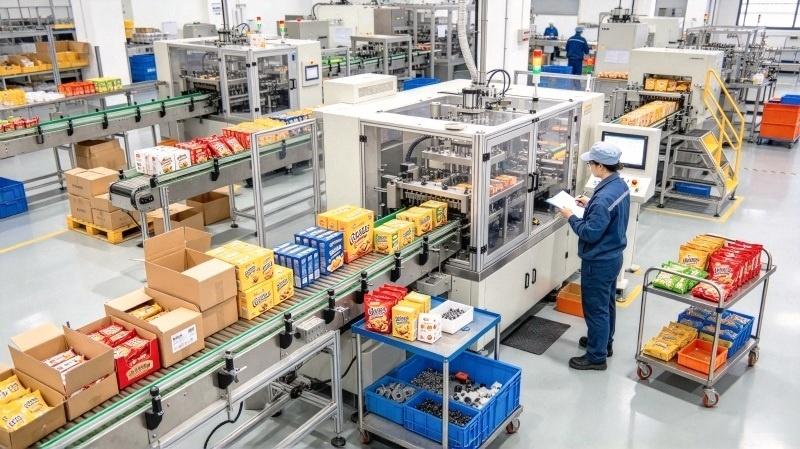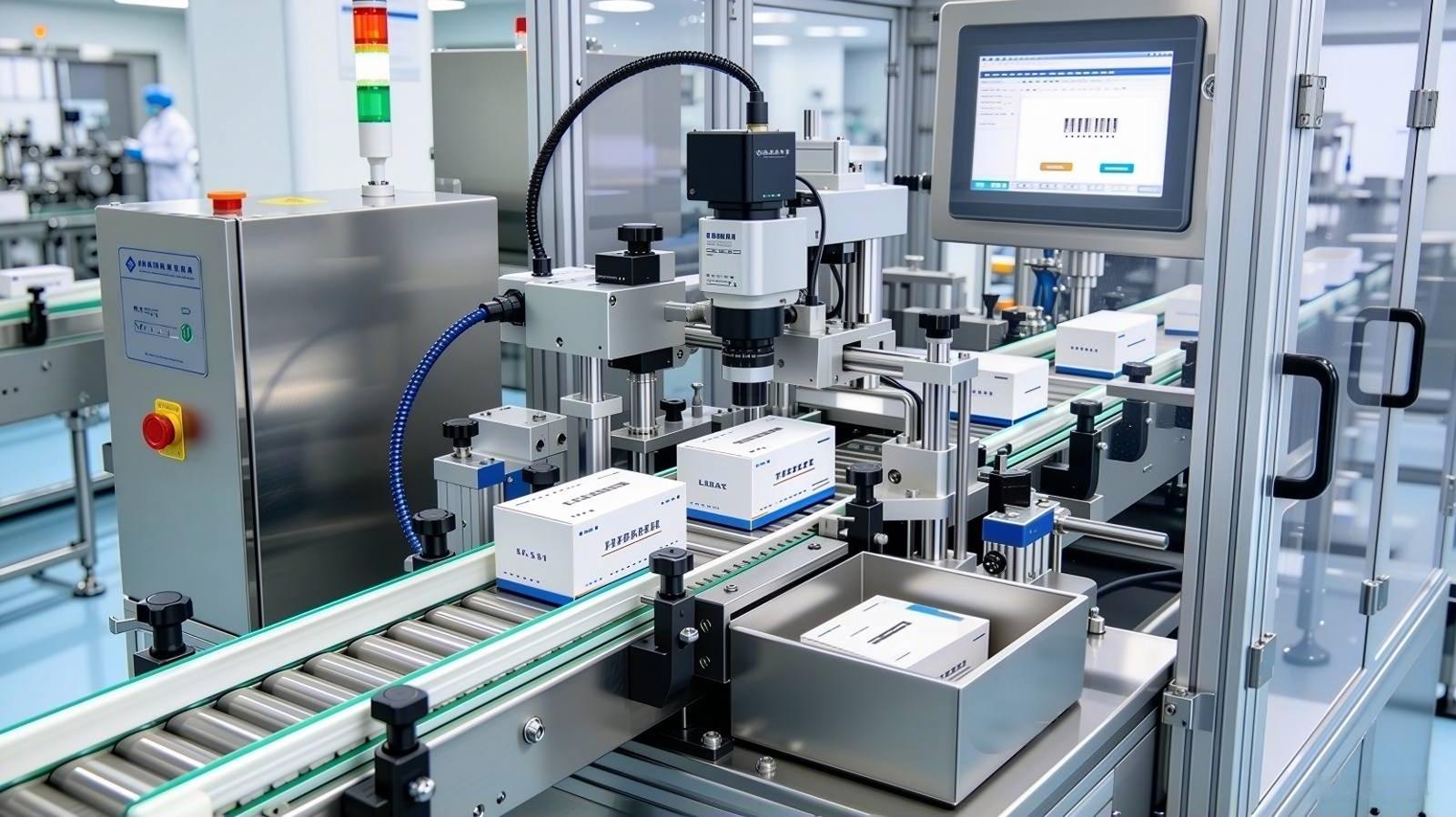
A label is the last thing that touches a filament box before it reaches the customer. It carries the product name, material type, color code, weight, batch number, and in many cases a QR code linking to material data or warranty information. If that label is crooked, misaligned, or missing, the customer notices—regardless of how well the spool itself was packaged.
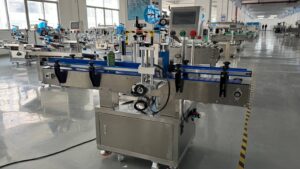
Manual labeling is the most common source of cosmetic defects in filament secondary packaging. Hand-applied labels peel at corners, sit off-center by 2–5mm, or get applied to the wrong face of the box. A filament labeling machine removes that variability entirely. UBL labeling machines cover a wide speed range—30 to 120 labels per minute, matched to your line speed. For most filament lines, 30–50 labels/min is sufficient; if the labeler is placed at the front end of the line, speeds up to 70/min are achievable.
This guide covers how filament labeling machines work, UBL’s configuration options (single/dual/cylindrical surfaces, print-and-apply), where labels are typically placed on filament products, and how the labeling station fits into a complete packaging line.
Where Labeling Fits on the Filament Packaging Line
In a complete filament packaging line, the labeling station can be placed in two positions depending on your process:
- After cartoning (most common) — the label is applied to the finished retail box before case packing. This is the standard configuration for filament brands.
- Before cartoning (bag-level labeling) — the label is applied directly to the vacuum-sealed bag, then the labeled spool goes into the carton. Used when the label needs to be visible without opening the box, or when batch/lot data is required at the primary package level.
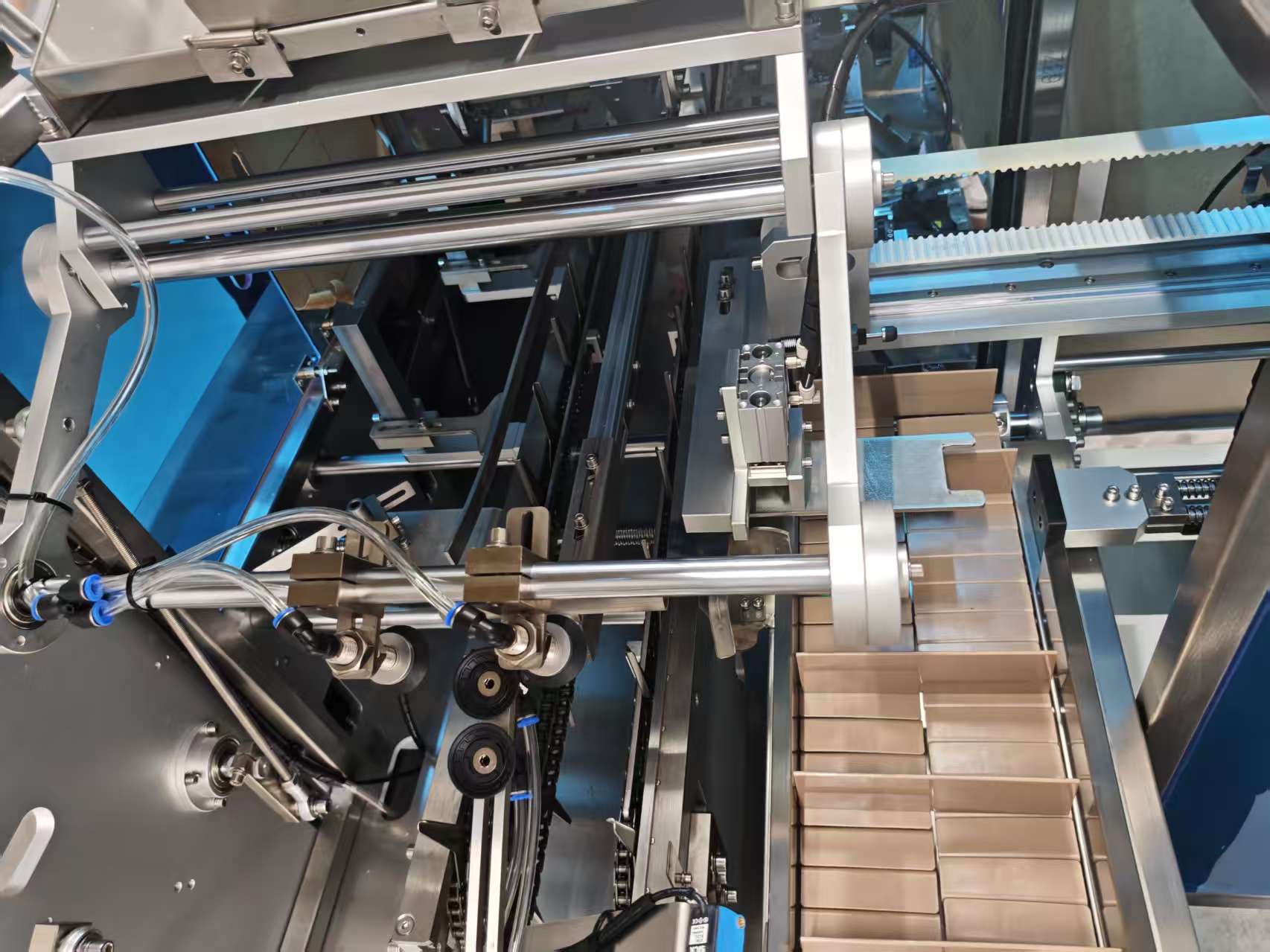
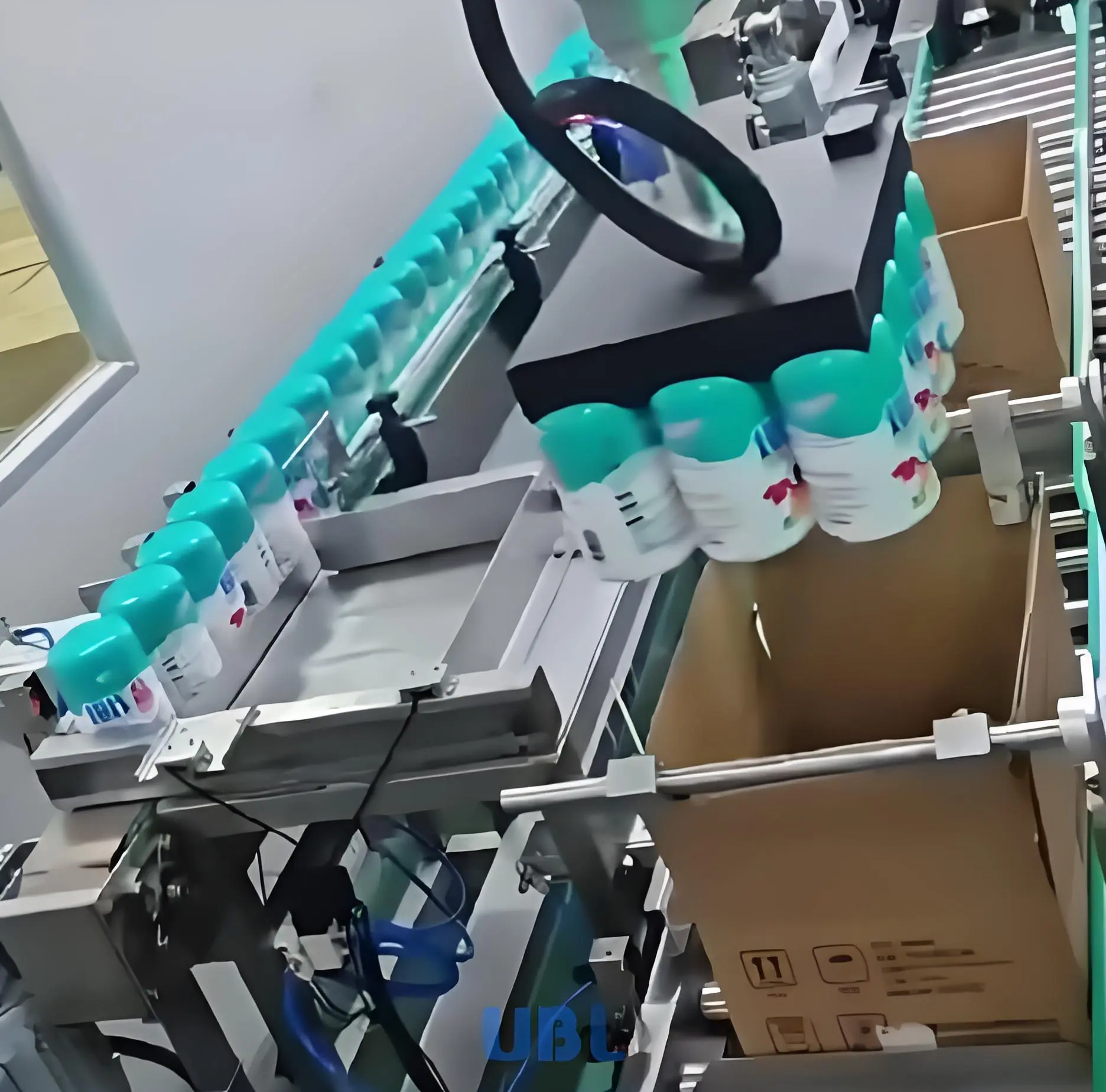
UBL labeling machines are inline units that integrate directly into the conveyor system. The global automatic labeling machine market was valued at USD 3.4 billion in 2024 and is projected to reach USD 5.1 billion by 2030, growing at a CAGR of 6.7% according to market research, driven primarily by manufacturers replacing manual labeling with inline automated systems.
UBL Labeling Machine Configurations
UBL labeling machines are configured to match your product and line speed. The three main configuration types:
Single-Side Labeling
Applies one label to one face of the box (front, top, or side). This is the most common configuration for filament retail boxes. Speed: 30–120 labels/min depending on line placement. Accuracy: ±0.5mm. For most filament lines running at 30–50 boxes/min, a single-side labeler is the right match.
Dual-Side Labeling
Applies labels to two faces simultaneously—typically front and side, or top and side. Used when regulatory or branding requirements call for two label fields. Speed: 30–80 labels/min (per side, simultaneous application). Dual-side configurations are common for export filament products that require both a local-language label and an English label.
Cylindrical Surface Labeling
For labeling round or cylindrical surfaces—used when labeling the spool hub directly, or for filament products packaged in cylindrical containers. The label wraps around the curved surface. Speed: 40–100 labels/min. UBL machines handle cylindrical labeling with a wrap-around applicator.
All three configurations support print-and-apply integration—see the QR code section below for details.
Print-and-Apply: Printing Labels at the Moment of Application
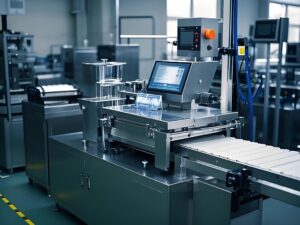
UBL labeling machines can be equipped with an integrated thermal transfer printer. Instead of loading pre-printed labels, the machine prints each label at the moment of application—pulling data from your production system or a local HMI entry.
This configuration is required when:
- Each unit carries a unique batch number, production date, or serial number
- You run multiple SKUs and don’t want to stock pre-printed labels for each variant
- You need QR code tracking with unit-level traceability
Print-and-apply slightly reduces speed (60–100 labels/min vs. 80–120 for pre-printed) but eliminates label inventory management and the risk of applying the wrong pre-printed label to the wrong SKU. For filament brands running 5+ SKUs per shift, print-and-apply is strongly recommended.
Where Are Labels Applied on Filament Products?
This is a practical question that affects machine configuration. For 3D printing filament, there are two common label placement scenarios:
Label on the Retail Box
The standard approach. The label is applied to the front or top face of the retail carton after cartoning. This is where UBL labeling machines are most commonly deployed for filament customers. Placement accuracy of ±0.5mm ensures the label sits exactly where the packaging design intends.
Label on the Inner Circle of the Spool (Direct-to-Product)
Some filament brands want a label applied directly to the spool’s inner circular surface (the hub). In practice, this is usually done manually—the inner circle position doesn’t require high precision, and the curved surface makes automated application difficult. If a customer requires automated labeling on the product itself (not the box), UBL can configure a specialized applicator, but manual application is the more economical choice for inner-circle labeling.
If the label needs to go on the spool hub outer surface (the flat side of the spool), automated labeling is straightforward and runs at normal line speeds.
Label Content: What Goes on a Filament Label
A complete filament product label typically carries three categories of information. UBL print-and-apply labelers handle all of these fields dynamically:
Product Identity
- Brand name and logo
- Material type (PLA, ABS, PETG, TPU, nylon, etc.)
- Color name and color code
- Net weight (500g, 1kg, 2kg)
- Filament diameter (1.75mm or 2.85mm)
Technical Specifications
- Recommended print temperature range
- Bed temperature recommendation
- Diameter tolerance (e.g., ±0.02mm)
- Storage conditions
Traceability
- Batch number or lot code
- Production date
- QR code (product page, material certificate, or batch-level tracking)
- Certifications (RoHS, REACH)
Changeover: Switching Labels Between SKUs
Filament manufacturers typically run multiple SKUs per shift—different colors, materials, and weights. Each SKU may require a different label size, content, or placement.
On UBL labeling machines:
- Label roll swap (same size, different content): 2–3 minutes, no mechanical adjustment
- Label size change (different label dimensions): 5–10 minutes, adjust guide rails and applicator position via HMI
- Print template change (print-and-apply models): 30 seconds, select saved template on the HMI touchscreen
For operations running 5+ SKUs per shift, print-and-apply configuration is strongly recommended—it eliminates the risk of loading the wrong pre-printed label roll and reduces label inventory.
Standalone vs. Inline Integration
UBL labeling machines can be configured as standalone units or inline systems:
| Configuration | Speed Range | Best for |
|---|---|---|
| Standalone (manual feed) | 30–50 labels/min | Under 20,000 spools/day, limited floor space |
| Inline (conveyor-fed) | 30–70 labels/min (matched to line speed) | 20,000+ spools/day, automated line |
| Print-and-apply inline | 60–100 labels/min | Operations with variable data or batch traceability requirements |
For a complete automatic filament packaging line, inline labeling is the standard configuration. The labeler connects between the cartoner discharge and the case packer intake.
What to Send UBL for a Quote
To configure the right labeling machine for your line, the following information is needed:
- Label dimensions (length × width) for each SKU
- Label placement position (which face of the box, or directly on the spool)
- Number of label faces per unit (single, dual, or wrap-around)
- Whether print-and-apply (variable data) is required
- Target line speed (boxes/min or spools/min)
- Whether standalone or inline integration is needed
UBL supports sample testing—send a sample box or spool and your label specification, and we’ll run a test application and send you the result. For the full station sequence, our filament packaging solution guide covers every stage from bagging through case packing.