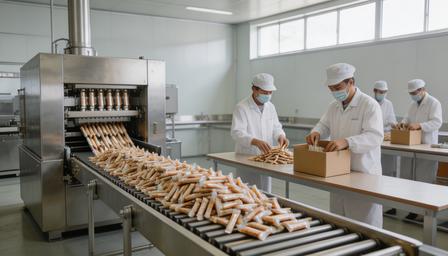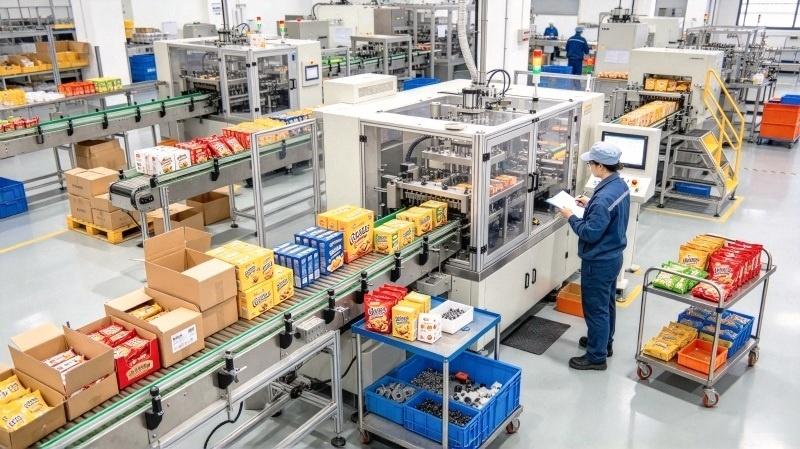
Most 3D printing filament manufacturers have their primary packaging sorted. The spool goes into a bag, the bag gets vacuum-sealed, the desiccant goes in—and that part of the line runs well. The bottleneck they don’t always expect is what happens next: putting the sealed spool into a retail box.
If that step is still manual, one person is placing spools into cartons, folding flaps, and moving boxes down a table—at a rate that caps out at maybe 8 to 12 boxes per minute on a good day. A filament cartoning machine replaces that station entirely. The machine speed is matched to your existing line—typically around 30 boxes per minute for a standard filament line (UBL has both standard and high-speed models, selected based on your actual throughput). This keeps the line balanced: no empty running, no upstream pileup.
This article covers how filament cartoning machines work, how they connect to the rest of the packaging line, and how to determine whether secondary automation is the right next step for your operation.
What Is a Filament Cartoning Machine?
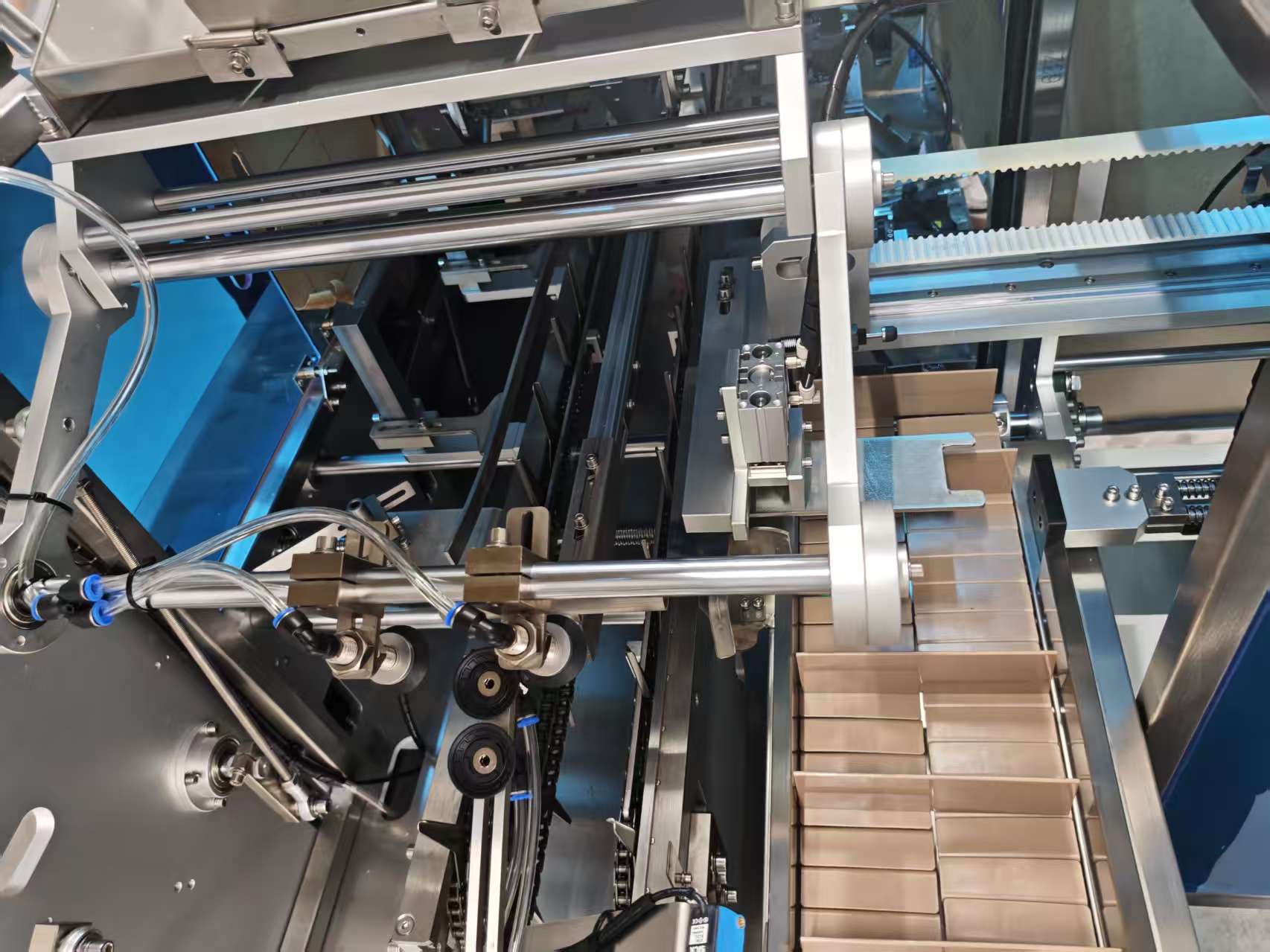
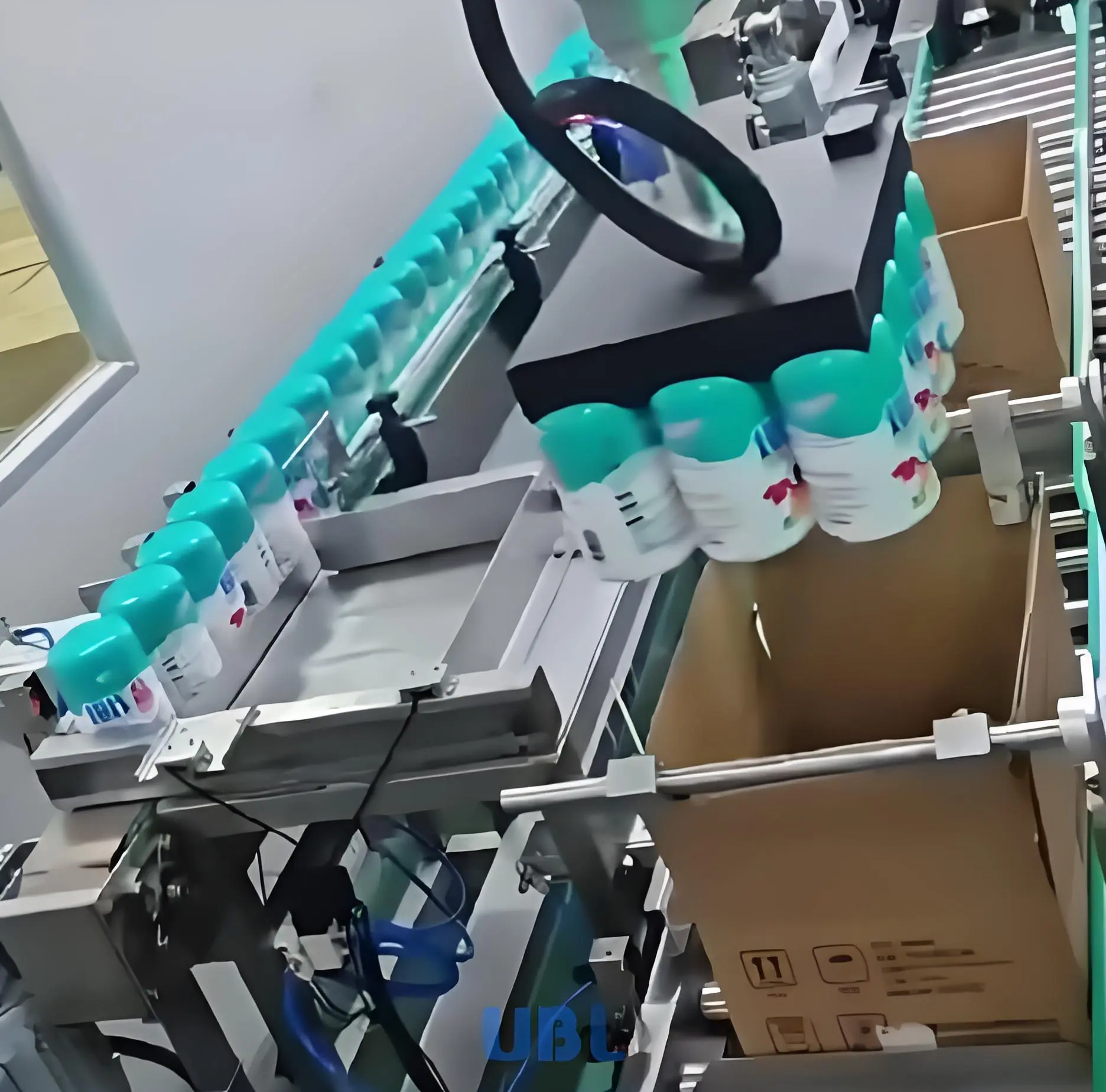
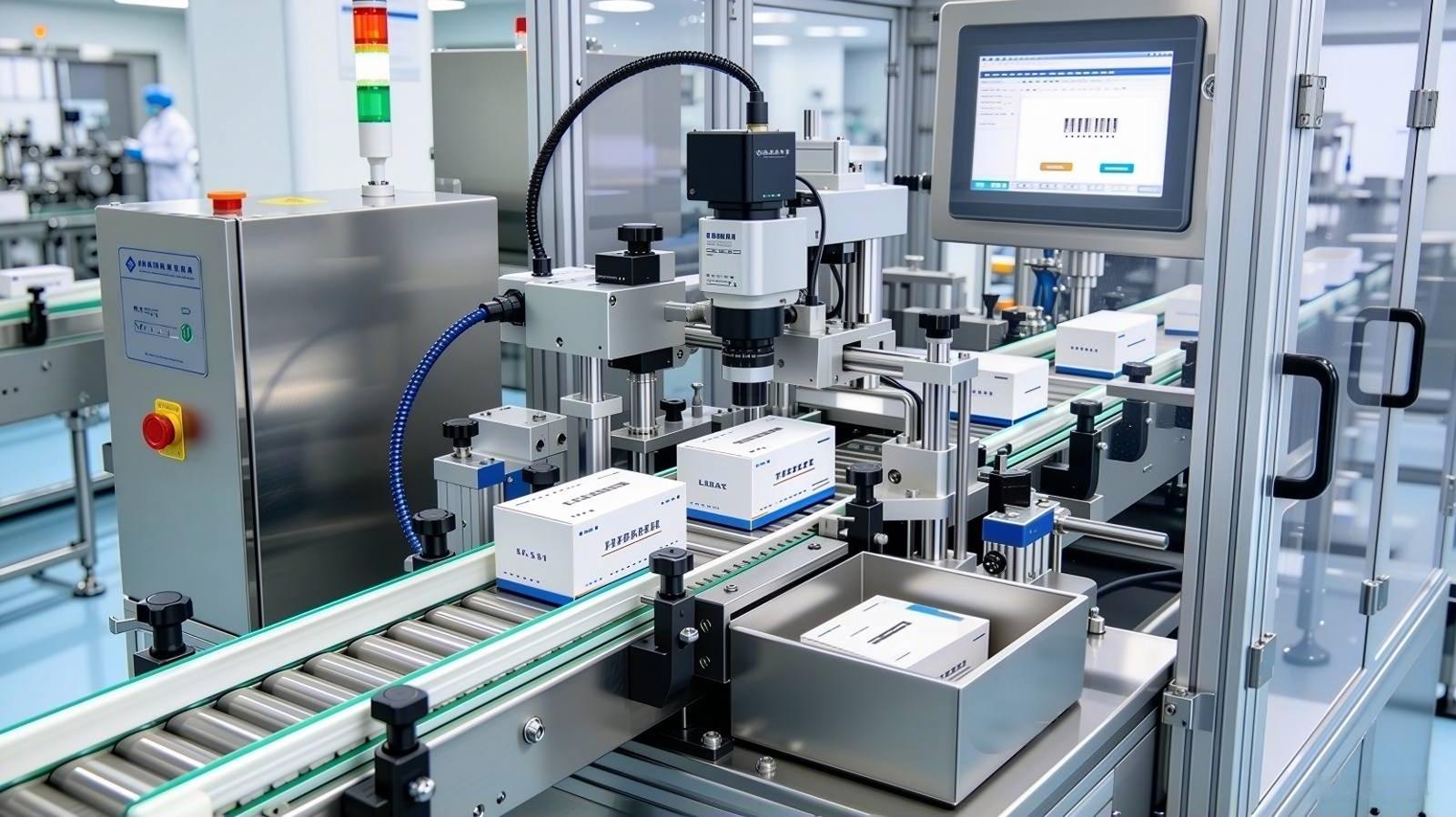
A filament cartoning machine is secondary packaging equipment that takes a pre-sealed primary package—typically a vacuum-sealed spool bag—and places it into a retail or shipping carton automatically. The machine handles the full sequence:
- Carton erecting — flat carton blanks are pulled from a magazine, opened, and formed into box shape
- Spool insertion — the sealed spool is pushed or dropped into the open carton
- Insert loading — user manuals, warranty cards, or accessory inserts are added via a secondary feed channel
- Flap closing and sealing — top and bottom flaps are folded and sealed (tuck-end or hot-melt glue, depending on box style)
- Discharge — finished cartons exit to a conveyor, case packer, or manual collection point
The cartoning machinery market was valued at USD 5 billion in 2024 and is projected to reach USD 8.2 billion by 2034, growing at a CAGR of 5% according to market research, driven largely by demand for end-to-end packaging automation across manufacturing sectors. For 3D printing filament manufacturers, secondary packaging is typically the last manual station—and the most straightforward to eliminate.
Where Cartoning Fits on the Filament Packaging Line
In a complete filament packaging line, the cartoning station sits between primary packaging and end-of-line case packing. The full sequence looks like this:
- Spool feeding
- Bag forming or premade pouch opening (bagging station)
- Desiccant insertion
- Vacuum sealing
- Cartoning ← this station
- Labeling
- Case packing / outer carton
The cartoning machine receives sealed spool packages from the vacuum station via conveyor. Because spool packages are uniform in shape and weight after sealing, they feed into the cartoner reliably—this is one reason filament manufacturers find cartoning automation easier to implement than in some other industries where primary packages vary in shape.
For manufacturers running a complete filament packaging solution, the cartoning station is typically added as the second major automation upgrade, after primary packaging is stabilized.
Manual Cartoning vs. Automated Cartoning: The Real Comparison
Before investing in secondary automation, it helps to understand exactly where the labor is going. Here’s how manual and automated cartoning compare on a standard 1kg spool line:
| Metric | Manual (2 operators) | Automated Cartoner (1 operator) |
|---|---|---|
| Output speed | 8–12 boxes/min | Matched to line speed, typically 20–40 boxes/min (UBL has standard and high-speed models) |
| Consistency | Degrades after 2–3 hours | Constant throughout shift |
| Carton damage rate | 3–6% (crushed flaps, misaligned inserts) | <0.5% |
| Insert accuracy | Manual checking required | Auto-detect, alarm on miss |
| Labor per shift | 2 dedicated operators | 1 part-time monitor |
| Changeover time (new box size) | Instant (no setup) | ~10 minutes (via HMI touchscreen adjustment) |
The carton damage rate matters more than it appears. A crushed retail box is a customer experience problem—for filament sold through distributors or e-commerce platforms, damaged secondary packaging triggers returns and affects product ratings even when the filament itself is undamaged.
Box Styles Supported by Filament Cartoners
The box style your product uses determines which cartoning machine configuration you need. The three most common for filament secondary packaging:
Tuck-End Cartons
The standard for retail filament boxes. Top and bottom flaps fold and tuck in without adhesive. UBL cartoners handle tuck-end, snap-lock bottom, and glue-seal cartons—all three sealing methods are supported on compatible models. Changeover between standard 1kg and 500g spool sizes takes about 10 minutes via the HMI touchscreen, no tools required. This is the most common configuration in filament secondary packaging.
Glue-Seal Cartons
Hot-melt glue is applied to the flap before folding, creating a stronger seal. UBL cartoning machines support glue-seal, tuck-end, and snap-lock bottom—all three sealing methods are available depending on the model selected. For filament, this is used when the box bottom needs to hold heavier spools (2kg or 5kg).
Snap-Lock Bottom Cartons
Four-flap interlocking base with tuck-end top. Provides the highest bottom strength—used for metal filament, composite filament, or any product where the spool is significantly heavier. Requires a dedicated snap-lock erecting station. For a detailed look at this box style, see our guide on snap lock bottom box automation.
Key Specifications to Evaluate
When comparing filament cartoning machines, these are the specifications that determine real-world fit:
Throughput Range
Match machine speed to your upstream vacuum sealing output. If your vacuum station seals 25 spools/min, your cartoner needs to handle at least 25 boxes/min—ideally with 20–30% headroom. Undersized cartoners become the line bottleneck immediately.
Carton Size Range
Standard filament boxes run from 250mm × 250mm × 80mm (500g spool) to 330mm × 330mm × 100mm (1kg) and larger (2kg+). Confirm the machine’s minimum and maximum carton dimensions cover your full product range, including any SKUs you plan to add in the next 12 months.
Insert Feed Channels
Most filament brands pack a user manual, QR code card, or desiccant bag alongside the spool. UBL cartoning machines support a card dispenser at the infeed—it feeds inserts into the carton reliably, one channel per insert type. If you need to pack multiple inserts (manual + warranty card + accessory), you can configure multiple dispensers instead of one machine handling everything—this avoids over-engineering the solution and keeps costs reasonable.
Missed Insert Detection
The machine should alarm and reject any carton where an insert was not confirmed. This is a quality control function, not just a convenience feature—particularly important for filament brands that include product certification cards or warranty documents.
Changeover Method
UBL cartoning machines are adjusted via the HMI touchscreen—no manual rail adjustment with wrenches. Size recipes are saved digitally; switching between saved sizes takes about 10 minutes. This keeps the line flexible without requiring mechanical reconfiguration.
When Does Secondary Automation Make Sense?
Not every filament operation needs a cartoning machine immediately. UBL typically recommends evaluating cartoning automation only when daily output reaches 20,000 spools per day or more—below that, manual cartoning is usually the more economical choice. Adding automation before that volume is like “using a sledgehammer to crack a nut”—the investment isn’t justified.
Under 20,000 spools/day
Manual cartoning with 1–2 operators is typically the right choice. Focus capital investment on primary packaging (bagging and vacuum sealing) first. Adding a cartoning machine at this volume wastes capacity and ties up capital unnecessarily.
20,000–40,000 spools/day
At this volume, a single cartoning machine running at 20–40 boxes/min handles the output comfortably. A UBL standard or high-speed model is selected based on your actual line speed—the machine is matched to the line, not the other way around. Typical payback: 12–18 months through labor reduction.
Over 40,000 spools/day
Multiple cartoning machines in parallel, or a high-speed configuration, combined with automated case packing downstream. At this scale, the full line—bagging, vacuum sealing, cartoning, labeling, and case packing—is integrated into a single automated system with centralized control.
Integration with Case Packing
After individual spools are cartoned, the finished boxes typically need to be grouped into master shipping cartons—the end-of-line step called case packing. In a fully automated line, the cartoner discharges finished boxes onto a conveyor that feeds directly into a case packer, which:
- Erects the outer shipping carton
- Groups the correct count of retail boxes (typically 6 or 12 per master carton)
- Seals and discharges the master carton for palletizing
This end-to-end automation eliminates the last manual handling step between production and shipping. For filament manufacturers supplying to distributors or large-volume retailers, case packing automation also ensures consistent pack counts and box integrity that meets buyer requirements.
What to Send UBL for a Quote
A filament cartoning machine quote requires a small amount of product information to size correctly:
- Spool sizes and weights (500g, 1kg, 2kg — list all variants)
- Box style (tuck-end, glue-seal, snap-lock bottom)
- Carton dimensions for each size
- Whether inserts need to be included and how many per box
- Target daily output (or output per shift)
- Whether you need the cartoner as a standalone unit or integrated into an existing line
UBL supports sample testing before purchase—send a sample of your spool (sealed in its bag) and your carton blank, and we’ll run it on the machine and send you a video of the test result. This removes guesswork from the equipment selection process.
Once cartoning is in place, the next station to automate is typically labeling—see our guide on filament labeling machines for how label application integrates inline after the cartoner. For the full station sequence from bagging through case packing, our filament packaging solution guide covers every stage. For questions or a direct quote:
Email: info@ublpackaging.com
Website: ublpackaging.com