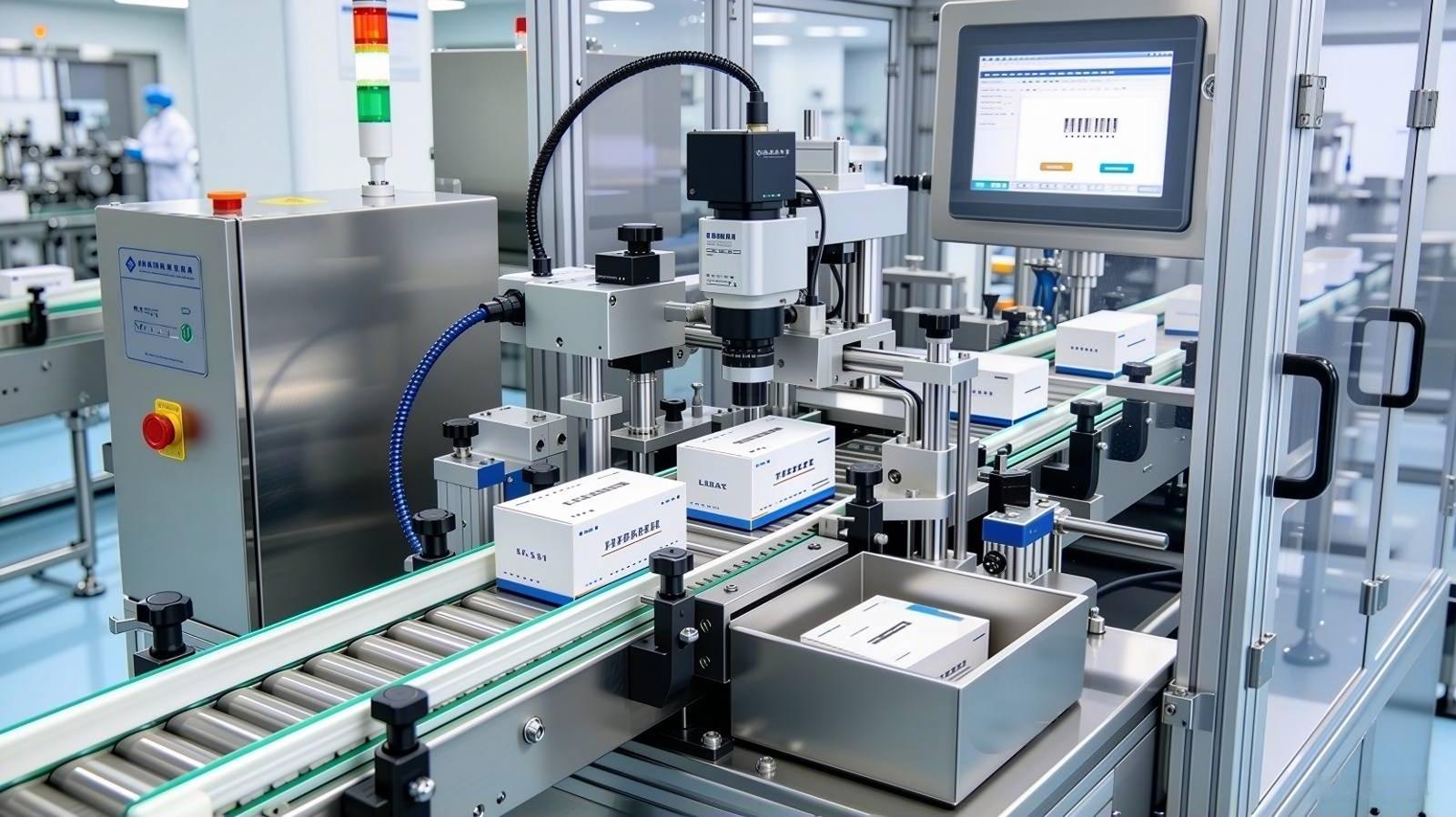
A customer reached out to us not long ago with a frustrating situation. They’d invested in a complete filament packaging solution—bagging, vacuum sealing, labeling—but when a quality dispute came up, they had no way to prove which production batch the spool came from. The buyer claimed the material wasn’t what was listed on the box. The manufacturer was certain the product was correct, but there were no batch records tied to the package, no way to trace that specific spool back to its production run. The dispute dragged on, and the relationship took a hit.
“Is there a way,” they asked, “to make every package tell its own story?”
That’s exactly what QR code tracking for 3D printing filament packaging does. It connects the physical product to digital information—batch data, material specs, print settings—so that anyone who scans the package gets the full story of that spool, direct from the manufacturer. And for brands trying to stand out in a market where most packaging still carries only a printed label, that difference is hard to ignore.
This article explains how QR code integration works in filament packaging, what information can be encoded, and how manufacturers can implement smart traceability without rebuilding their production systems.
What QR Code Tracking Means for Filament Packaging
A QR code on a filament package is a bridge between the physical spool and a database record. When a customer—or a quality manager—scans the code, they access information about that specific unit:
- Production batch number — Links the spool to the exact extrusion run, enabling targeted recalls if quality issues emerge
- Material composition — Confirms the filament type (PLA, ABS, PETG, etc.) and any additives or colorants
- Manufacturing date — Establishes age for inventory rotation and shelf-life management
- Recommended print settings — Temperature, speed, and bed adhesion guidance specific to the material batch
- Quality test results — Diameter tolerance, ovality measurements, or tensile test data from that production lot
- Certificate of analysis — For engineering-grade materials, links to material safety data sheets (MSDS) and compliance documentation
For the end user, this information reduces setup time and print failures. For the manufacturer, it creates a direct channel to the customer and a data trail for quality management.
How QR Code Integration Works on the Packaging Line
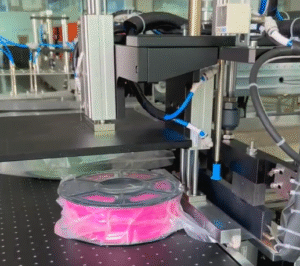
Implementing QR code tracking doesn’t require a separate labeling operation. The code is printed and applied as part of the standard packaging workflow:
Step 1: Data Integration
The QR code content is generated from your production system—ERP, MES, or a dedicated traceability database. Each spool receives a unique identifier at the point of production or at the packaging station. The data structure is defined by you: batch number, material code, production timestamp, and any additional fields you want to encode.
Step 2: Real-Time Printing
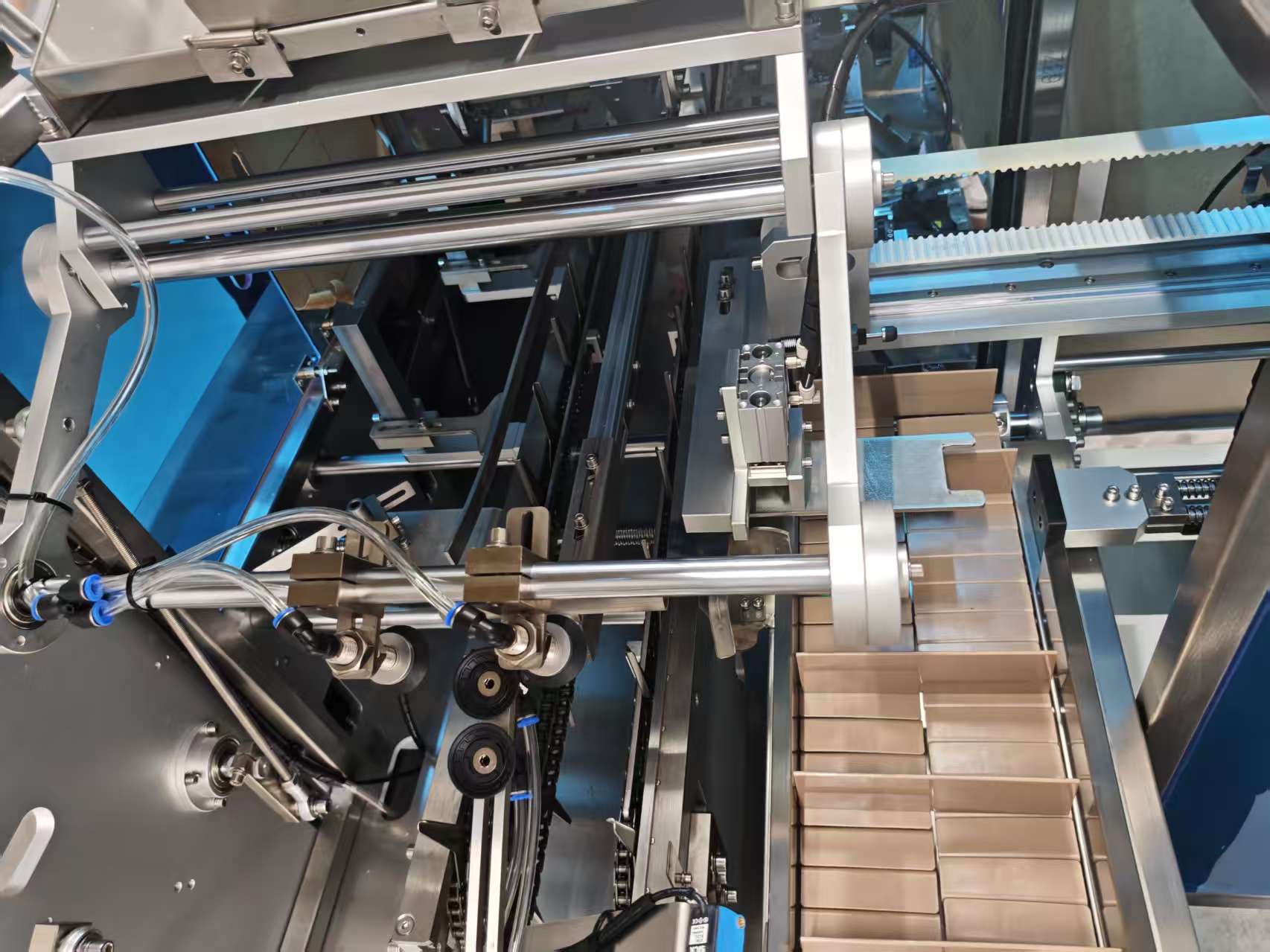
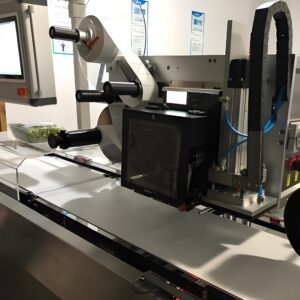
A print-and-apply labeler integrated into the packaging line receives the data for each spool as it arrives at the labeling station. The labeler generates the QR code in real time and prints it onto a label substrate—paper, synthetic, or direct thermal material depending on your durability requirements.
UBL’s packaging lines support real-time print-and-apply labeling as an optional configuration. The labeling station connects to your data system via standard industrial protocols, receiving the unique identifier for each package as it passes through.
Step 3: Label Application
The printed label is applied to the sealed filament package—typically on the bag surface or on a card insert that accompanies the spool inside the packaging. Application can be tamp-blow, wipe-on, or corner-wrap depending on label size and package geometry.
Step 4: Scan Verification (Optional)
For quality-critical applications, a verification scanner can be installed downstream of the labeler to confirm that the code is readable and that the printed data matches the expected record. Failed codes trigger rejection or rework before the package leaves the line.
What the Customer Sees When They Scan
The destination for the QR code scan is under your control. Common implementations include:
| Destination Type | What It Delivers | Use Case |
|---|---|---|
| Static product page | Material specs, print settings, safety data | Basic information delivery |
| Batch-specific lookup | Data tied to the specific production lot | Quality traceability, recall management |
| Customer registration portal | Warranty activation, support access, feedback | Customer relationship management |
| Blockchain verification | Tamper-proof material provenance record | Premium/enterprise market positioning |
The simplest implementation—a static URL encoded in the QR code that leads to a product information page—requires no backend integration and can be deployed immediately. More sophisticated implementations—batch-specific lookups or customer portals—require database connectivity but deliver greater value.
Implementation Considerations
Data Source and Connectivity
The labeling station needs a data feed. Options include:
- Direct ERP/MES integration — Real-time data push from your production system to the labeler
- Batch file import — Pre-generated data files loaded to the labeler at shift start
- Manual entry — Operator scans or keys batch information at the station (suitable for low-volume or variable products)
UBL’s labeling stations support multiple connectivity protocols. The integration approach is determined during the specification phase based on your existing IT infrastructure.
Label Material and Durability
Filament packages are handled, stacked, and shipped. The QR code must remain scannable through the distribution chain:
- Paper labels — Cost-effective, adequate for retail packaging handled with care
- Synthetic labels (PP, PET) — Tear-resistant, moisture-resistant, suited to industrial distribution
- Direct thermal vs. thermal transfer — Thermal transfer printing offers better durability for long supply chains
Code Size and Placement
The QR code must be large enough to scan reliably from typical customer distances (usually 2–5 cm) but small enough to fit on the package without obscuring branding. A 15×15 mm code is generally sufficient for standard QR encoding; larger codes (20×20 mm) improve scan reliability in suboptimal lighting.
Real-World Implementation: What UBL Supports
We didn’t come up with this feature in a boardroom. A customer came to us asking for it. They wanted every package that left their line to carry a unique identifier—something that tied the spool to a production record, so if a question ever came up downstream, they had an answer ready. We built it out for them: a real-time print-and-apply labeling station, integrated into the packaging line, pulling batch data from their system and printing a unique QR code on every package.
That same configuration is now available as an optional add-on. Here’s what it includes:
- Industrial label printer with QR code generation capability
- Label applicator integrated into the packaging line conveyor
- Data connectivity to customer production systems
- Optional scan verification for code quality assurance
This capability is available as an optional add-on to UBL’s filament packaging solutions. The system is configured to match your data structure, label specifications, and throughput requirements.
While QR code labeling is not yet standard across the filament industry, early adopters are using it to differentiate on transparency and to build direct customer relationships. The infrastructure—smartphones in every customer’s pocket, cloud-based data systems, and industrial labeling technology—makes implementation straightforward for manufacturers ready to move beyond basic packaging.
Business Benefits of QR Code Tracking
For the Manufacturer
- Quality traceability — Rapid identification of affected batches in the event of a quality issue
- Supply chain visibility — Track product flow from production to end customer
- Customer data — Registration portals capture customer contact information for marketing and support
- Brand differentiation — Smart packaging signals quality and transparency in a commodity market
For the End User
- Setup confidence — Verified print settings reduce trial-and-error
- Material verification — Confirmation that the spool matches the labeled material
- Support access — Direct link to manufacturer support for that specific product
- Community connection — Registration portals can link to user forums, profiles, and shared print settings
Getting Started with QR Code Tracking
Implementing QR code tracking on your filament packaging line is a configuration decision, not a system overhaul. The key steps:
- Define what information you want to encode and where the scan should lead
- Confirm your production system can provide the data feed (batch number, material code, etc.)
- Specify the labeling station configuration—print engine, applicator type, label material
- Integrate the station into your packaging line layout
UBL supports the full implementation—from line layout and equipment specification to data connectivity and commissioning.
If you’ve ever had a customer dispute a material claim, or if you’re looking for a way to make your packaging do more than just protect the spool, this is worth a conversation. Tell us your current packaging setup and we’ll walk you through what QR integration would look like for your line.
Email: Helen@huanlianauto.com
Website: ublpackaging.com
Summary
QR code tracking transforms filament packaging from a protective wrapper into an information channel. For manufacturers, it enables quality traceability and customer engagement. For end users, it delivers confidence in material authenticity and print settings. The technology is mature, the implementation is straightforward, and the competitive differentiation is significant in a market where most packaging still carries only static printed information.
UBL’s filament packaging solutions support real-time QR code printing and application as an optional configuration—integrating seamlessly with your production data systems and existing line architecture.