Buying a cartoning machine is a significant capital decision that affects your production line for years. Most buyers focus on speed and price—but overlook the operational questions that determine whether that machine actually delivers value in daily use.
Based on real-world experience supporting manufacturers across hardware, pet products, food, and consumer goods, here are six questions you should ask any cartoning machine supplier before signing a contract.
Question 1: How Long Does Changeover Take Between Different Carton Sizes?
This is often the first question buyers should ask—and the one that causes the most operational pain when answered poorly.
Why It Matters
If you run multiple SKUs (and most manufacturers do), changeover time directly determines how many production hours you lose to setup. A machine that takes 60 minutes to change over between carton sizes costs you real output time on every SKU switch. Multiply that by weekly changeovers, and it adds up fast.
What to Look For
Modern cartoning machines should handle size changes within the machine’s compatible range in roughly 10 minutes. This typically involves:
- Adjusting mechanical arms and guides to match the new carton width
- Setting the new carton length stop position
- Confirming product loading alignment
The key detail to confirm: does changeover require tools? Machines designed for multi-SKU environments use hand-adjustable mechanisms—hand wheels, quick-release levers, and calibrated scales—so operators can switch sizes without reaching for wrenches or Allen keys.
An Important Limitation: Carton Type vs. Carton Size
There’s a critical distinction buyers often miss. Most cartoning machines support a range of sizes within the same carton type. But switching between carton types is a different matter entirely.
For example: a machine built for lock-bottom cartons cannot run tuck-end cartons. The folding mechanisms, flap sequencers, and sealing systems are physically different. If your product range uses both lock-bottom and tuck-end cartons, you’ll need machines configured for each type—or a dual-format system designed to handle both.
When evaluating equipment, list all the carton types (not just sizes) you currently use or plan to use, and confirm the machine supports each one.
Question 2: What Happens When the Machine Jams — and How Fast Can Production Resume?
Every cartoning machine jams eventually. Paper dust, misaligned blanks, humidity-affected board stock—production environments are imperfect. The question isn’t whether jams happen, but how quickly your operators can recover from them.
The Three Most Common Jam Causes
In daily operation, the vast majority of cartoning jams trace back to three causes:
- Foreign object interference. A piece of product, a label backing, or packaging debris finds its way into the carton path. This is the most common cause and the easiest to fix.
- Size settings disturbed. Someone accidentally shifted a guide or adjustment during cleaning or a previous changeover. The machine is set up for Carton A but is trying to form Carton B dimensions.
- Carton material issues. Paperboard and corrugated board are hygroscopic—they absorb moisture from the air. Corrugated cartons stored in humid environments soften, losing the rigidity needed for reliable forming. A carton that feeds perfectly at 40% relative humidity may crush and jam at 80%.
The 10-Minute Recovery Benchmark
For all three common causes above, a trained operator should be able to diagnose and clear the jam within 10 minutes. The process is straightforward: stop the machine, identify which of the three causes applies, remove the obstruction or correct the setting, and restart.
If a jam persists beyond these three causes, it typically points to a wear issue—worn belts, degraded suction cups, or dull cutting blades that need replacement. These require parts, which takes longer but is a maintenance event, not a production emergency.
What to Ask the Supplier
- Does the machine have automatic jam detection that stops the cycle before damage occurs?
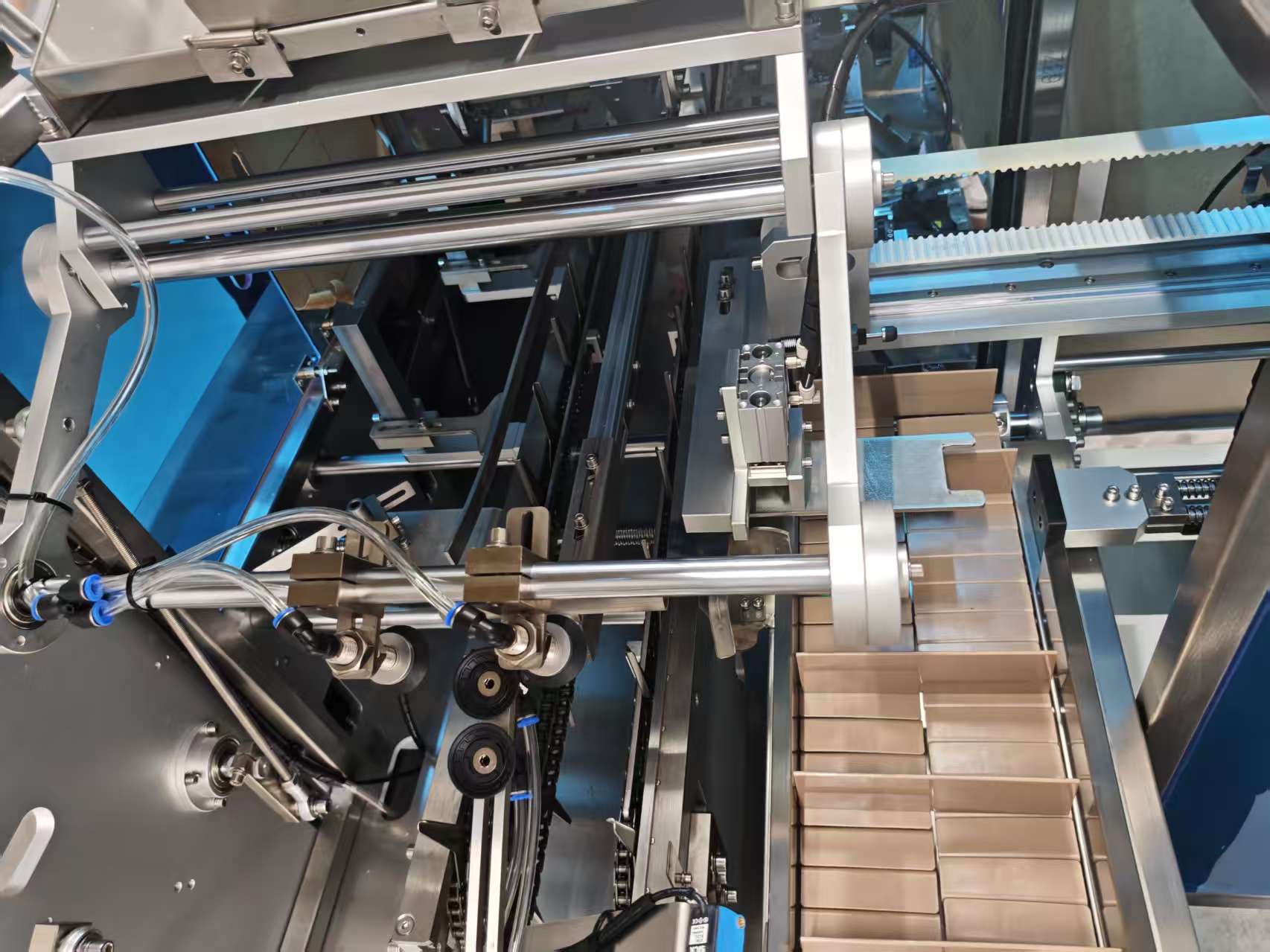
- How accessible are the carton forming and loading stations for manual intervention?
- What is the supplier’s response time when operators can’t resolve a jam remotely?
As a benchmark, responsive suppliers should offer remote diagnostic support within 4 hours of a service request—walking your operators through the troubleshooting process via video call rather than waiting for an on-site visit.
Question 3: What Does the Operator Interface Look Like — and How Long Is Training?
A sophisticated machine that only an engineer can operate is a liability, not an asset. Your packaging operators need to run, change over, and troubleshoot the machine on every shift—without needing a technician on standby.
Interface Requirements
Modern cartoning machines should use touchscreen control panels with intuitive, visual interfaces. Key features to confirm:
- Touchscreen HMI (Human-Machine Interface) with clear visual status indicators
- Running speed display, carton count, and production tracking
- Error codes with plain-language descriptions (not just alphanumeric fault codes)
- Language support matching your operator workforce
Language Considerations
Most machines ship with Chinese and English language options as standard. If your operators speak Vietnamese, Spanish, Japanese, or another language, confirm whether the interface can be customized. Some suppliers offer multilingual interfaces as a standard option; others treat it as a custom modification with additional cost and lead time.
Training Expectations
For a well-designed system, initial operator training should take approximately 2 hours to cover basic operation: starting and stopping the machine, loading carton blanks, monitoring output, and performing routine changeovers.
Most operators reach comfortable, independent operation within 2–3 days of hands-on practice. If a supplier tells you training takes weeks or requires sending staff to a factory for extended programs, that’s a red flag about the machine’s usability.
Question 4: How Are Spare Parts Sourced — and What’s the Real Cost of Ownership?
The purchase price of a cartoning machine is only part of the total cost. Over a 5–10 year equipment life, spare parts, wear components, and service support often exceed the original machine investment. How your supplier handles parts directly affects your long-term operating costs.
The Ideal: Factory-Direct Parts
The most cost-effective parts model is factory-direct supply—where the machine manufacturer produces and sells their own replacement components. This eliminates distributor markups, ensures part compatibility, and provides a single source for both technical support and parts ordering.
Factory-direct parts supply also means faster availability: the manufacturer holds stock of wear parts (belts, suction cups, blades, sensors) and can ship immediately rather than waiting for a third-party distributor to locate inventory.
Wear Parts to Budget For
Plan for periodic replacement of these components:
- Suction cups: Degraded cups lose grip, causing missed carton picks. Typical replacement: every 3–6 months depending on volume.
- Conveyor belts: Wear affects timing and carton positioning. Typical replacement: every 6–12 months.
- Cutting blades: Dull blades produce rough cuts and incomplete openings. Typical replacement: every 6–12 months.
- Guide rails and wear surfaces: Gradual wear affects carton alignment. Inspect quarterly; replace as needed.
Smart Buying Strategy
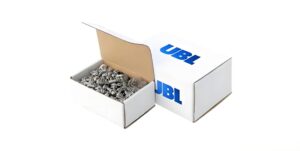
Most suppliers offer discounted spare parts packages at the time of machine purchase. Buying a starter kit of critical wear parts with the machine typically saves 15–30% compared to ordering individually later—and ensures you have parts on hand when needed rather than waiting for shipment during a production stoppage.
If you don’t purchase parts upfront, the supplier should still be able to guide you on which parts to stock and ship replacements promptly when needed.
Question 5: What’s the Actual Delivery Timeline?
Delivery time varies enormously depending on whether you need a standard machine or a customized configuration—and buyers are often surprised by how long custom setups take.
Standard Machines: Fast Deployment
If your carton sizes and product types match a standard machine configuration, delivery can be very fast. In many cases, a contract signed today means the machine ships tomorrow—literally next-day dispatch for in-stock standard models.
Standard machines work well when your carton dimensions fall within the machine’s existing compatible range and your product characteristics (size, weight, feeding method) match the standard loading configuration.
Custom Configurations: Plan for 3 Months
Most production environments aren’t standard. Floor space limitations, unique product characteristics, integration with existing upstream and downstream equipment, and specific carton styles all drive customization requirements.
A typical custom project timeline:
- Site assessment (Week 1–2): The supplier evaluates your production floor, existing line layout, power and air requirements, and product specifications
- Proposal development (Week 3–4): Two solution options (Plan A and Plan B) are developed, each optimized for different constraints—floor space, budget, automation level
- Client selection and refinement (Week 5–6): You review both options, select the preferred approach, and finalize specifications
- Manufacturing and testing (Week 7–10): The machine is built, tested with sample cartons, and prepared for shipment
- Shipping and commissioning (Week 11–12): Delivery, installation, operator training, and production sign-off
The Semi-Automatic Alternative
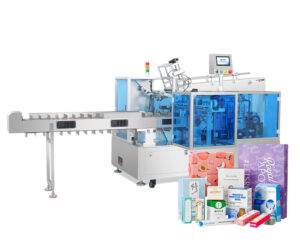
Not every operation needs—or can accommodate—full automation. When floor space or budget constraints make a fully automatic system impractical, semi-automatic configurations offer a practical alternative: the machine handles carton forming and sealing while operators handle product loading. This human-machine collaboration model requires less floor space, lower capital investment, and maintains flexibility for varied or delicate products.
Reputable suppliers should proactively recommend semi-automatic configurations when they’re the better fit—not upsell you to full automation when your operation doesn’t justify it.
Click to View UBL Semi-Automatic Garment Packaging Solutions
Question 6: Can I Test My Actual Products on the Machine Before Committing?
This is the most important question—and the one that separates confident suppliers from those selling blind.
Why Product Testing Matters
Spec sheets describe what a machine can do. Product testing proves what it will do with your specific cartons, your specific products, and your specific production requirements. The gap between “can” and “will” is where problems live.
Factors that only emerge during testing:
- How your specific carton board stock feeds through the blank magazine (board weight, coatings, and grain direction all affect reliability)
- Whether your product loads cleanly at target speed without damage
- How the sealed carton looks and performs with your specific carton design
- Whether the changeover process between your specific SKUs is practical
Testing Options to Look For
A supplier confident in their equipment should offer multiple testing pathways:
- Send samples for machine testing: You ship your carton blanks and products; the supplier runs them on the actual machine and provides video documentation of the results, including speed, quality, and any adjustments needed
- Remote video demonstration: Live video walkthrough of the machine running similar products, with real-time Q&A
- Customer case references: Documentation or contact with existing customers running similar products, so you can verify real-world performance
- On-site product testing: For complex applications, visiting the supplier’s facility to witness testing firsthand
If a supplier won’t test your products before purchase—or makes excuses about confidentiality or machine availability—that’s a meaningful signal about their confidence in the equipment’s suitability for your application.

Summary: Your Pre-Purchase Checklist
| Question | Green Flag | Red Flag |
|---|---|---|
| Changeover time | ~10 minutes, tool-free, within carton type range | 60+ minutes, requires tools, or vague answers |
| Jam recovery | 10 min for common causes; remote support within 4 hours | No remote support; days-long wait for technician |
| Operator interface | Touchscreen, multilingual, 2-hour training, independent in 2–3 days | Complex panel, weeks of training, engineer required for changes |
| Spare parts | Factory-direct supply, starter kit available at discount | Third-party parts only, long lead times, no bundled options |
| Delivery timeline | Standard: next day; Custom: ~3 months with clear project phases | Vague timelines, no site assessment process |
| Product testing | Offers sample testing, video demo, and customer references | Refuses to test or requires purchase commitment first |

Ready to Evaluate Your Cartoning Requirements?
The six questions above give you a framework for comparing cartoning machine suppliers objectively—beyond speed claims and price tags. At UBL, we’ve built our equipment and service model around direct answers to each of these questions: fast changeover within carton type ranges, 4-hour remote support response, 2-hour operator training, factory-direct spare parts, and sample product testing before you commit.
Whether you need a full automatic cartoning system, a standalone carton erector, or a semi-automatic configuration for a space-constrained production floor, our team will assess your requirements and recommend the right solution—including honest guidance when a simpler, lower-cost approach is the better fit.
Contact UBL Packaging to discuss your cartoning machine requirements or arrange a product test: